
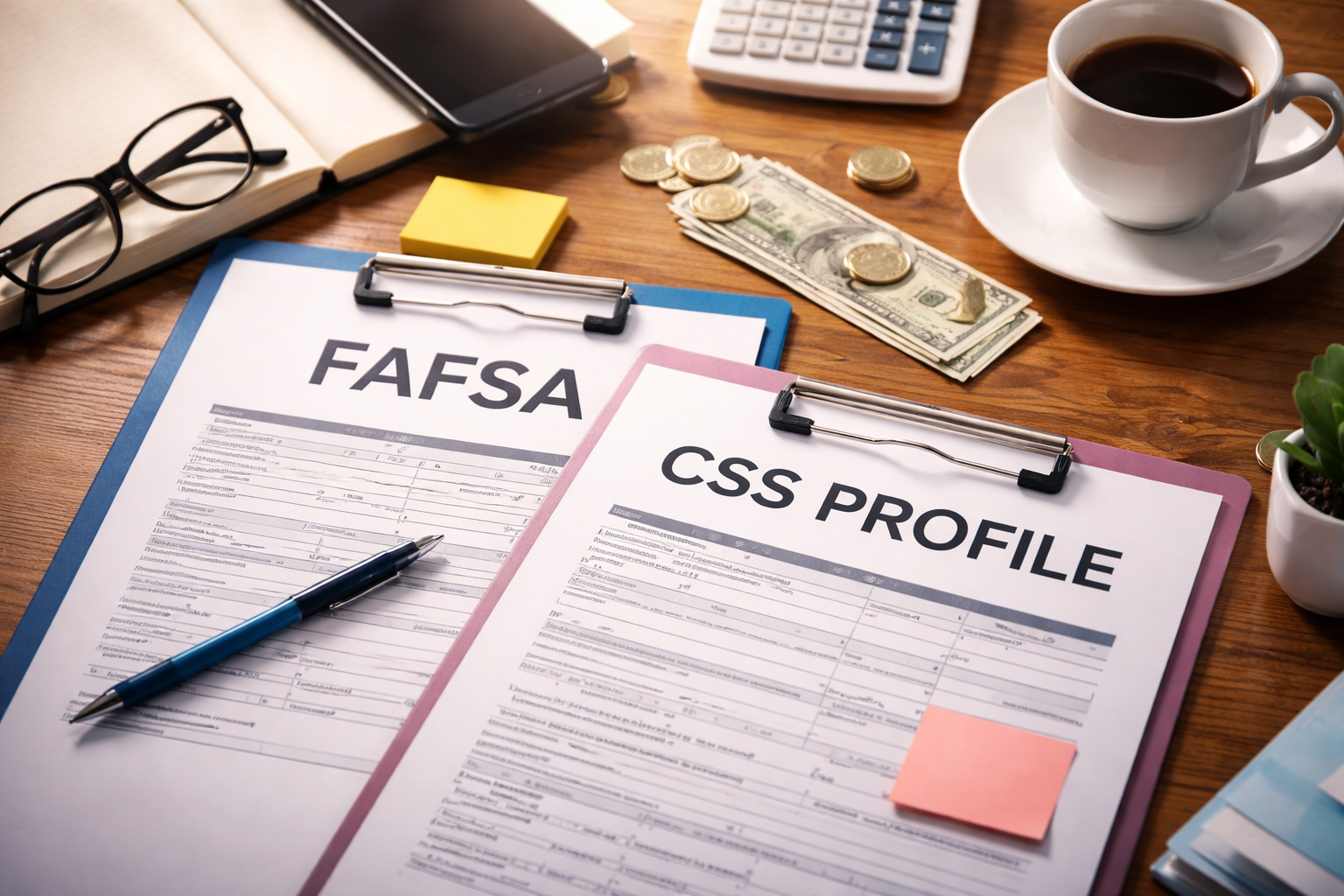
The moment you see mismatch in your college portal, most families do the worst first move: they wait—or they start changing numbers to “make it match.”
Stop. A CSS Profile data mismatch FAFSA flag is not a harmless notice. If you do nothing, your file can slide into a review queue, and the closer you get to deadlines, the harder it is to recover your timeline.
You do not need more explanations right now—you need a clean match. Fix the matching layer first, today: legal name format, DOB, Applicant ID, and the correct school/program routing.
If those identifiers don’t line up, the aid office can’t confidently connect your records, and your file won’t move even if your numbers are perfect. Handle matching first, then you correct data fields only when you know exactly what the school wants.
Start here if you suspect you entered something incorrectly: this guide helps you correct errors without creating a bigger paperwork mess.
Key Takeaways
- Most mismatches are identity or timing issues (name/DOB, school code, processing lag), not fraud or “automatic denial.”
- Fix the “matching fields” first (name format, DOB, student identifiers, school selection), then fix numbers if needed.
- Use a two-lane plan: FAFSA corrections happen on StudentAid.gov; CSS Profile corrections often require school-specific instructions.
- Do not submit random new versions without checking what the school actually needs—duplicates can slow matching.
- If the college requests verification/conflicting info documentation, respond fast with a one-page summary + proof.
What “Mismatch” Usually Means
When you see CSS Profile data mismatch FAFSA, it typically falls into one of these buckets:
- Identity mismatch: name formatting (hyphen, spacing), DOB, student vs parent identifiers, or duplicate student records.
- School routing mismatch: the CSS Profile was not sent to the right school code/program, or the FAFSA school list differs from what the college expects.
- Timing mismatch: one form is processed and the other is still in “received/processing,” so systems don’t line up yet.
- Financial field mismatch: income/asset numbers differ because of different definitions, different tax years, or estimated vs final values.
- Household/parent mismatch: FAFSA household rules differ from CSS Profile’s institutional questions (especially complex family situations).
Most importantly: a mismatch is often a “pause” in file completion, not an instant negative decision. Your job is to remove uncertainty for the financial aid office.
Why This Happens (System Reality, Not Personal Failure)
Families assume “I submitted both, so the school will figure it out.” But CSS Profile data mismatch FAFSA happens because the two systems are built for different purposes:
- FAFSA is federal and standardized, with defined rules for data fields and correction workflows.
- CSS Profile is used by participating colleges to gather additional details—definitions and follow-up steps can vary by school.
Colleges may also run internal checks for “conflicting information,” and if something doesn’t line up, your record can be placed into a review queue. That’s why your communication needs to be structured and short.
The 15-Minute Fix Checklist (Do This Before You Contact Anyone)
- Capture the exact mismatch message (portal screenshot + date).
- Confirm the correct school is listed on both submissions (FAFSA school list and CSS Profile school/program selection).
- Match legal identity fields: student name, DOB, and any student ID/applicant ID used by the college.
- Check processing status: is one “processed” and the other “received”?
- List the top 3 fields likely causing the mismatch (income, assets, household size, number in college, parent info).
- Prepare a one-page summary describing what differs and why (estimated vs actual, updated tax filing, etc.).
If you do only one thing today: make it easy for the aid office to match the record to your applicant ID. That alone resolves many “mismatch” flags.
Step-by-Step Resolution (In the Right Order)
Step 1 — Fix “matching” problems first.
If CSS Profile data mismatch FAFSA is caused by identity/routing, correcting numbers won’t help until your file is properly matched. In your message to the school, include:
- Student full legal name
- Date of birth
- Applicant ID (from the portal)
- FAFSA submission/processing status
- CSS Profile submission status and school/program selection
Step 2 — Identify whether the mismatch is “definition-based” or “error-based.”
Some differences are normal. Example: a college may ask for home equity on the CSS Profile (institution-defined handling), while FAFSA does not. Other differences are true errors (wrong household size, wrong school list, transposed numbers). Your one-page summary should state:
- What differs (exact field)
- Why it differs (definition, estimate, timing, corrected tax info)
- What you are doing (correction submitted / documents attached)
Step 3 — Correct FAFSA data (when the FAFSA is the source of the error).
If the FAFSA is wrong, correct it through the official correction workflow, then notify the school that a correction is in process. Don’t guess what the school needs—submit the official correction first.
Step 4 — Follow the school’s CSS Profile correction method.
When CSS Profile data mismatch FAFSA comes from CSS Profile fields, colleges often handle updates differently (some accept a written clarification; some request documents; some ask you to contact College Board support; some ask you to resubmit to that school). Your message should ask one clear question:
“What is your preferred method to reconcile a CSS Profile discrepancy for my applicant file?”
Step 5 — If you get a verification/conflicting info request, reply with a clean packet.
Use a simple packet order:
- One-page summary
- Proof documents requested (only what’s requested)
- Short cover email repeating your identifiers
Step 6 — Request a temporary checklist note near deadlines.
If a deadline is close, ask politely for the file to be marked “in progress” while corrections/processes complete. This is normal administrative triage, not special treatment.
Copy/Paste Email (High-Response, Low-Drama)
Subject: Portal shows data mismatch between CSS Profile and FAFSA — request to match/reconcile
Body:
Hello Financial Aid Team,
My name is [Student Full Legal Name], DOB [MM/DD/YYYY], Applicant ID [ID]. My portal shows a CSS Profile data mismatch FAFSA message. Both forms have been submitted. Could you please confirm what information you need to match/reconcile my file?
I can provide (or have attached): submission status details, a one-page summary of the discrepancy, and any requested documentation.
If a deadline is approaching, could my file be noted as “in progress” while reconciliation is completed?
Thank you,
[Student Name]
[Email] / [Phone]
Absolute “Don’ts” (These Cause Real Delays)
- Don’t submit multiple extra versions “just in case.” Duplicates can create matching confusion.
- Don’t change unrelated items to “make numbers match.” That can create new inconsistencies.
- Don’t send sensitive documents by insecure channels unless the school instructs it.
- Don’t ignore mismatch notices. A quiet mismatch can become a slow aid delay.
One Official External Button (Use for FAFSA Corrections)
If you confirm the FAFSA is the source of the error, use the official FAFSA correction instructions and then notify your college that a correction is processing:
If you’re stuck waiting and everything feels frozen: this guide helps you handle delays without panicking (and what to say to the school).
FAQ
Q: Does a mismatch mean I will lose financial aid?
A: Not automatically. CSS Profile data mismatch FAFSA often means your file needs matching, clarification, or documentation. If you respond quickly with identifiers and proof, most cases are resolved without major impact.
Q: Should I correct FAFSA or CSS Profile first?
A: Fix “matching fields” first (name/DOB/applicant ID, school selection). Then correct the form that contains the true error. If the FAFSA is wrong, submit an official FAFSA correction; if CSS Profile details need updating, follow the school’s preferred correction method.
Q: What if the forms differ because of different definitions?
A: That’s common. A CSS Profile data mismatch FAFSA can be resolved by a one-page explanation and any documents the school requests. Clarify the “why” instead of forcing numbers to match.
Q: How fast should I act?
A: Same day if possible—especially near deadlines. A simple email with your identifiers and a request for instructions is often enough to start the resolution.
Q: What’s the most common cause?
A: Identity/routing issues (school code/program selection, name formatting, applicant ID matching) and timing (one processed, one still processing). These are solvable once the school can confidently match your record.
Final Clam Plan (If You’re Overwhelmed)
If CSS Profile data mismatch FAFSA has you spiraling, do this exact sequence:
- Screenshot the portal message and capture the date.
- Confirm both submissions were sent to the correct school/program for the correct year.
- Email the aid office with identifiers + a short request to match/reconcile.
- Submit FAFSA corrections only if FAFSA has a true error, and notify the school.
- Send a one-page summary + requested documents if the school flags conflicting information.
When you stay structured, you protect your timeline. Most families resolve this faster than they expect.
If the mismatch turns into a formal document request or you need a structured packet: use this step-by-step process so you don’t over-share or under-submit.
If you read this far, you already understand the situation—now you need to act. Do two things today:
(1) screenshot the portal mismatch message and note the date,
and (2) email the financial aid office with your Applicant ID + full legal name + DOB asking for their preferred method to match/reconcile your file.
Those two steps are what turns your case from “stuck” into “processing.”
One last rule: do not resubmit random new versions of FAFSA or CSS Profile “just in case.”
Duplicate submissions can create duplicate records and real delays. Wait for the school’s instruction, then reconcile once, cleanly, with a short one-page summary and only the proof they request.
CSS Profile data mismatch FAFSA is usually fixable fast—but only if you move now.
Schools review appeals faster when documents are complete, current, and consistent with FAFSA or CSS data.