
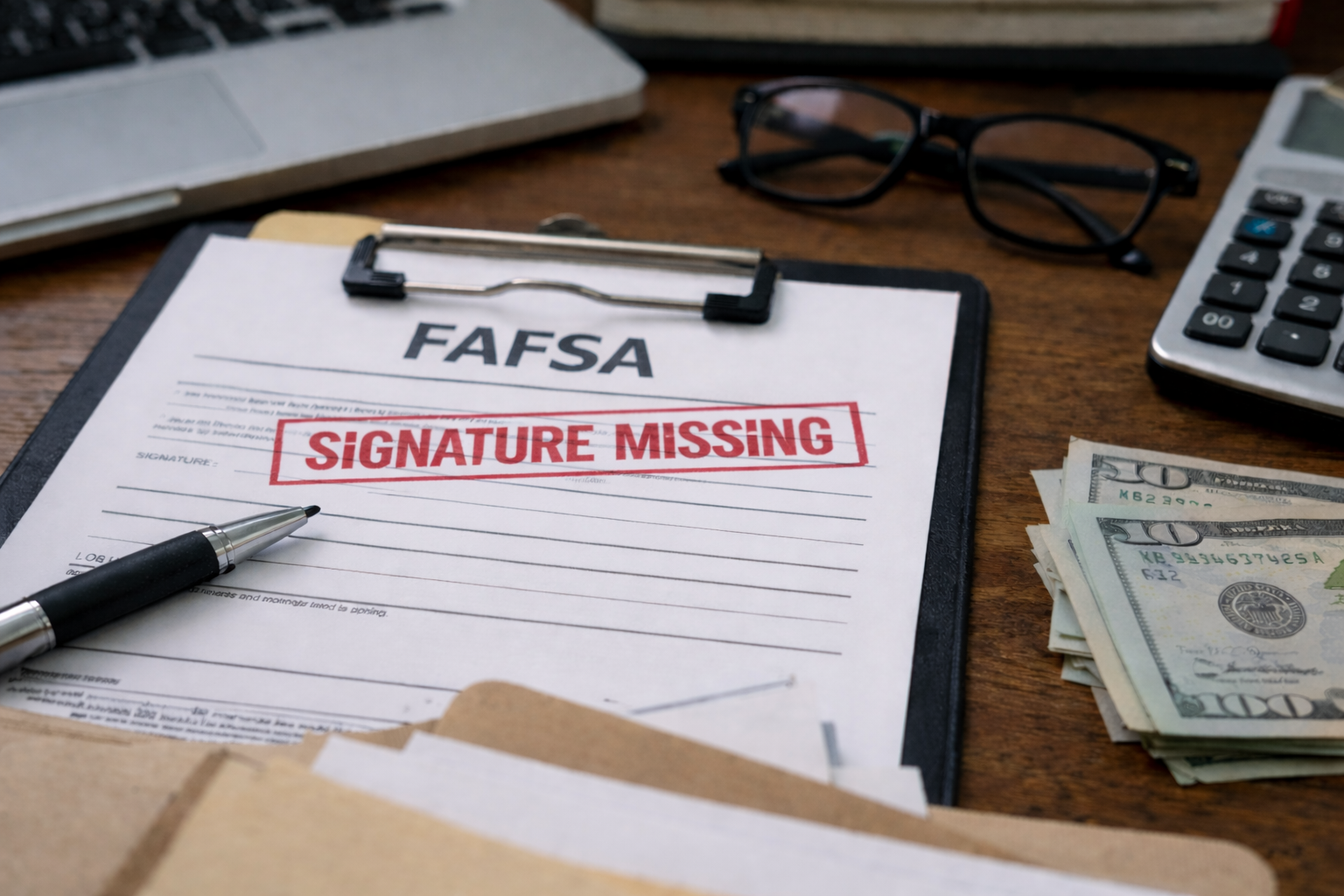
FAFSA missing signature fix — I realized something was wrong the moment I saw the status update and felt that “wait…what?” drop in my stomach. I wasn’t looking for a lesson. I was looking for the one button I should’ve clicked, the one step I missed, the one thing that’s now quietly blocking the entire aid pipeline.
I had already moved on in my head: classes, housing, payment plan, maybe even a refund timeline. Then the message hits: missing signature. Not dramatic—just enough to stall everything. And the scary part is you can lose time without losing money yet… until suddenly you lose both.
If your bigger fear is that “signature missing” will turn into a full-on delay, read this next (it’s the closest hub guide for what schools do while you’re waiting):
Key Takeaways
- Most “missing signature” cases are fixable today if you complete the signature inside StudentAid.gov and re-submit correctly.
- Aid offices don’t “see your intention”—they see a system flag. Your goal is to clear the flag fast and prove it’s cleared.
- Dependent students often need two signatures (student + parent/contributor). One missing signature can pause the whole record.
- Timing matters: fix it, then ask the school what they need while the corrected FAFSA feeds into their system.
The fast path (what “fixed” looks like in the real world)
Here’s the simple outcome you want: you complete the missing signature, your FAFSA status updates appropriately, and your school’s system receives the corrected transaction so they can build (or rebuild) your aid offer. That’s it.
But in practice, people get stuck because they “signed” and assumed it was submitted. Or they fixed the signature but didn’t complete the last steps that generate a new transaction. In aid systems, “I did it” doesn’t count until the transaction number updates and the school receives it.
So the goal of this FAFSA missing signature fix guide is not motivation—it’s clean execution.
Self-check: identify your exact situation in 30 seconds
Pick the first statement that matches you:
- A) Student signed, but parent/contributor didn’t (or never got the invite).
- B) Everyone swears they signed, but it still shows “missing signature” or “action required.”
- C) FAFSA says “Processed,” but the school says it’s rejected/unsigned in their system.
- D) You can’t submit a correction because the signature step is greyed out or looping.
Once you match your case, don’t bounce around trying random fixes. Use the case box for your scenario, do the steps in order, and then do the “proof” step so you can confidently tell the school what changed.
Why this happens (system reality, not blame)
“Missing signature” usually isn’t about you being careless. It’s about how the FAFSA flow splits responsibilities across contributors. The form can look “complete” right up until the final submission moment—then a single missing signature stops it cold.
In the background, your school’s aid system is waiting for a valid FAFSA transaction. If the record arrives with a signature-related flag, many offices treat it like a hard stop. Not because they’re being mean—because compliance matters. They can’t build an offer confidently off a record that might change or is technically incomplete.
Insider note: many schools run automated “reject reason” queues. A missing signature can push your file into a queue that only gets touched at certain times of day or certain days of the week. That’s why it can feel like “nothing is happening” even after you fix it.
Case Boxes: do the correct fix for your exact scenario
CASE A — Dependent student: parent/contributor signature is missing
If you’re dependent, it often requires two separate sign-offs. This is the most common FAFSA missing signature fix situation.
- Have the student log in to StudentAid.gov and open the FAFSA from “My Activity.”
- Confirm the form shows “Action Required” or indicates a missing signature.
- Check the contributor section: does it show the parent/contributor as “invited” but not completed?
- Now have the parent/contributor log in using their own StudentAid.gov account and complete their portion.
- Go all the way to the end: sign and submit. Don’t stop after “sign.”
Proof step: after submission, take a screenshot of the updated status and the submission confirmation. You may need it if the school asks, “When was it re-submitted?”
CASE B — Everyone signed, but the FAFSA still says missing signature
This is the “I’m not crazy” scenario. The FAFSA missing signature fix here is to force a clean correction workflow and verify the signature step actually completes.
- Log in and open the FAFSA from “My Activity.”
- If it offers “Provide Signature,” do that, then continue until you see the final submission step.
- If it routes you into a correction, complete the correction flow and re-submit.
- If you get stuck in a loop, switch browser (Chrome tends to be the most reliable) and try again after clearing cache.
Proof step: check for a new submission confirmation and a refreshed “last updated” timestamp tied to submission, not just viewing.
CASE C — FAFSA says “Processed,” but the school says it’s rejected/unsigned
This is where institutional decision-making matters. The FAFSA missing signature fix isn’t only the form—it’s aligning what the school sees in their feed.
- Ask the school (politely, specifically): “What reject reason code or message do you see?”
- Ask: “Which FAFSA transaction number are you working off of?” (They can often see it.)
- Then log in to StudentAid.gov and confirm whether your latest transaction shows any “Action Required.”
- If you can add a signature or re-submit, do it the same day.
- Afterward, email the aid office: “I completed the missing signature and re-submitted on [date]. Please confirm you receive the updated transaction.”
Insider note: schools often import FAFSA updates in batches. You’re not asking them to “do extra.” You’re asking them to confirm the new batch includes your updated record.
CASE D — You can’t submit: signature step is greyed out or it won’t finalize
This case is annoying—but still solvable. Treat it like a “submission pathway” problem, not a “you” problem.
- Try a different device (laptop if you were on mobile) and a different browser.
- Log out completely, clear cache/cookies, then log back in.
- Confirm you’re using the correct account for the person who must sign (student vs parent/contributor).
- If it still won’t submit, prepare your proof (screenshots of the loop/greyed-out screen) and contact support through official channels.
What to tell your school: “I’m unable to complete the signature submission due to a portal issue. I have screenshots. What is your temporary documentation process so my file isn’t paused?”
The one official button that matters
If you want a clean official reference for the missing-signature workflow, use this Federal Student Aid page. Read it once, then execute the steps in your case box above.
What aid officers actually do with a “missing signature” file
Here’s the part most students never see: your FAFSA doesn’t enter a human’s hands first. It enters a system.
- Step 1: The record imports into the school system (often in batches).
- Step 2: The system applies rules: “Is it valid?” “Any reject flags?” “Any missing contributor elements?”
- Step 3: If flagged, it can be routed into a pending queue where packaging is blocked.
- Step 4: Staff members work queues by urgency: registration holds, verification, appeals, incoming priority deadlines.
Translation: if you clear the signature issue, you’re not asking for special treatment—you’re making your file eligible to move forward like everyone else.
That’s why a practical FAFSA missing signature fix includes two parts: (1) clear the flag and (2) communicate the “proof” in a way the office can use.
How long it takes after you fix it (so you don’t panic on day 2)
After you re-submit, you still may not see immediate movement on the school side. Some students assume the fix “didn’t work” and start clicking random edits—making it worse.
Use this guide to set realistic timing expectations and avoid unnecessary repeat corrections:
Your rights (and the practical version of “advocating”)
You have the right to ask for clarity and not be brushed off with “just wait.” You’re allowed to request the exact missing item and the exact status your school sees.
- You can ask: “What is the exact missing item or reject reason?”
- You can ask: “Which FAFSA transaction are you using?”
- You can ask: “Is my aid packaging blocked until this clears?”
- You can request: temporary guidance to prevent registration or billing penalties while your corrected FAFSA feeds in.
What not to do: don’t accuse the office of “losing” your FAFSA. They can’t fix what they can’t see. Help them by giving the date you re-submitted and confirming the signature is completed.
That’s what separates a smooth FAFSA missing signature fix from a week of back-and-forth.
The exact message to send your financial aid office
Keep it short, specific, and easy to route internally:
- Subject line: “FAFSA signature completed + re-submitted on [Date] — please confirm updated transaction received”
- Body: “Hi [Office], my FAFSA previously showed a missing signature. I completed the missing signature and re-submitted the FAFSA on [date]. Could you confirm you have received the updated FAFSA transaction and advise if anything else is needed to proceed with packaging? Thank you.”
Insider note: offices triage emails. Your email gets routed faster when it contains a clear action they can take: “confirm receipt of updated transaction.”
Mistakes that quietly make this worse
- Stopping after “sign”: you must complete the final “submit” flow. This is the #1 reason the issue returns.
- Making random corrections: unnecessary edits can create new review triggers and delay the next transaction.
- Using the wrong account: student and parent/contributor signatures are not interchangeable.
- Waiting to contact the school: you don’t need to wait weeks. Ask what they see and what they need today.
If you remember only one thing: your file moves when it becomes “packageable” in the school’s system, not when it “feels complete” on your end.
Quick checklist: do this today (printable)
- Log in and confirm who is missing the signature (student vs parent/contributor).
- Complete the signature step and go all the way to final submission.
- Capture proof: confirmation screen + updated status.
- Email the aid office with your re-submission date and request confirmation of updated transaction receipt.
- If registration or payment is close, ask for the school’s temporary process while the update imports.
This checklist is the practical version of a FAFSA missing signature fix: clear the flag, prove it, and align with what the school can act on.
If the office goes quiet after you fix it
Sometimes the signature is done but the next bottleneck is communication. If you’re getting no response and deadlines are creeping in, use this guide to escalate calmly (without burning relationships):
FAQ
- How many signatures are required?
It depends on your dependency and contributor setup. Many dependent students need both the student signature and a parent/contributor signature. One missing signature can stop processing. - I did the FAFSA missing signature fix, but nothing changed in 24 hours—did it fail?
Not necessarily. You may have fixed it correctly, but the school may not have received the updated transaction yet. Use the “correction timeline” expectations and email the office with your re-submission date. - FAFSA says “Processed,” but my school says “Rejected”—who’s right?
Sometimes both are describing different views. Your school may be working from an older transaction or seeing a reject flag that requires an updated submission. Ask for the transaction number they’re using and confirm you’ve re-submitted after signature completion. - Should I keep editing the FAFSA to “force” an update?
Usually no. Random edits can create new issues. If your goal is only to resolve the signature, focus on the signature and clean submission, then wait for the updated transaction to propagate. - Will fixing a missing signature affect my aid amount?
Fixing the signature itself usually doesn’t change your underlying data. However, any additional changes you make during a correction could affect eligibility. Keep corrections minimal and intentional.
Final 10-minute action plan (do not overthink)
Here’s what I’d do if I were in your shoes again, starting right now—calmly, in order:
- Log in and confirm whose signature is missing.
- Complete the signature step and finish the final submission flow.
- Save proof (screenshots of confirmation/status).
- Email the school with the exact re-submission date and request confirmation of the updated transaction.
FAFSA missing signature fix doesn’t need drama. It needs a clean re-submission and one clear message the aid office can act on. Once the flag clears, your file becomes eligible to move through packaging like everyone else’s.
If you’re near a tuition due date or registration deadline, don’t wait for the system to “eventually” catch up. Do the fix, send the email, and ask what temporary steps the school can apply while the updated record imports. That’s not begging—it’s normal institutional workflow.