
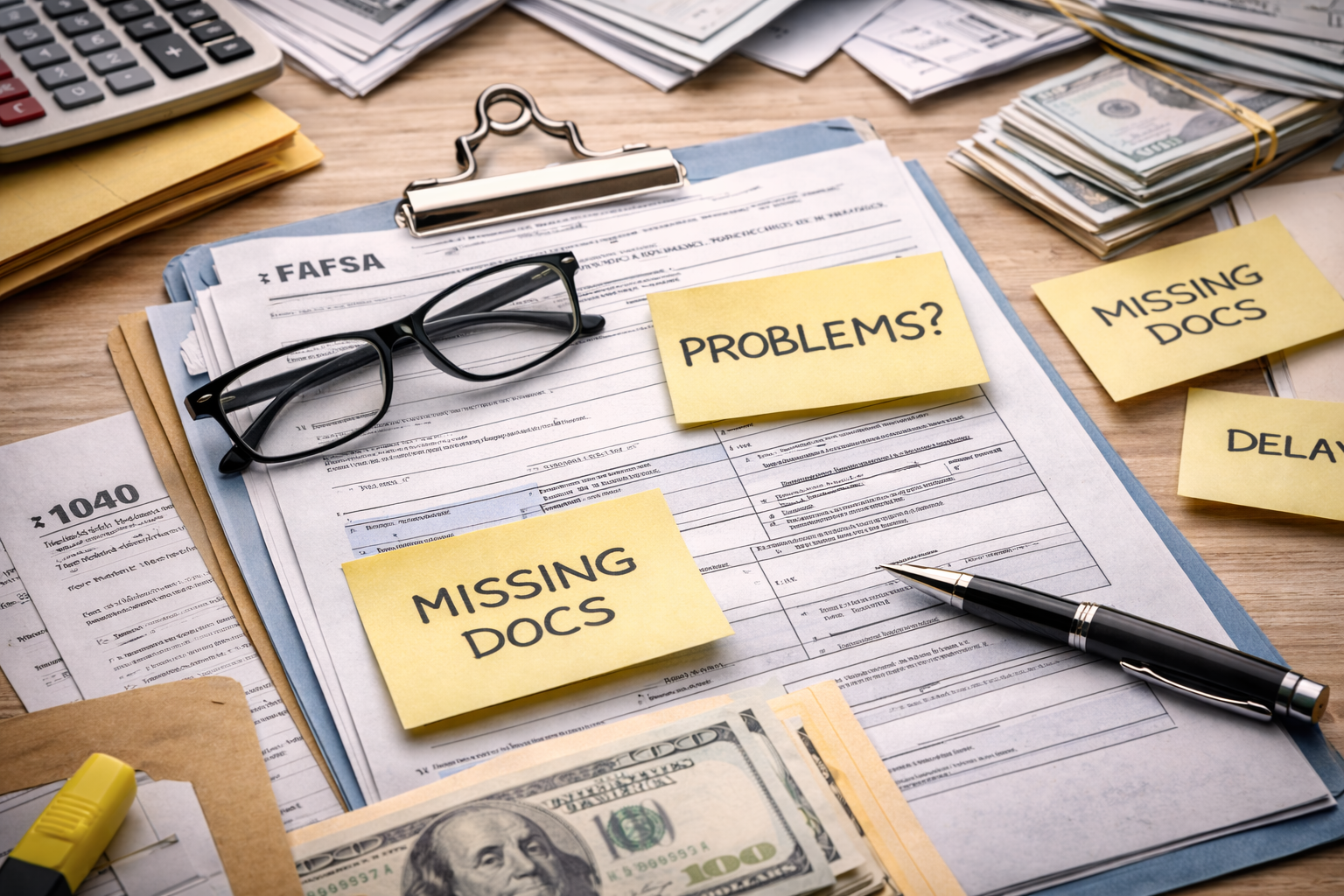
FAFSA Verification and Processing Problems – I wasn’t even trying to “optimize” anything. I just needed my aid to show up. The portal said “processed,” but nothing moved. No disbursement. No clear explanation. Just the same balance staring back at me like it was normal. If you’re here, you’re probably stuck in the same loop: your FAFSA looks done, your school says it’s waiting, and you’re watching deadlines get closer.
This hub exists because FAFSA Verification and Processing Problem situations don’t resolve with hope—they resolve with specific fixes in the right order. It’s not about sending more emails. It’s about finding the exact blocker (missing signature, tax mismatch, verification documents missing, CSS not received, correction timing, or school-side processing) and removing it. If you fix the right blocker first, the rest of the process often unlocks quickly.
Start Here: Identify Your Blocker in 3 Minutes
When you’re facing a FAFSA Verification and Processing Problem, it usually falls into one of four buckets: (1) submission errors, (2) correction timing issues, (3) verification/document problems, or (4) school receipt/processing issues (including CSS). The wrong move is treating them all the same.
Use this navigation list to choose your lane. Click the link that matches what you see in your portal, then come back here to follow the “What to Do Now” steps and prevent a tuition hold.
- FAFSA processed but no financial aid
- FAFSA processing delay
- FAFSA application rejected
- FAFSA missing signature fix
- FAFSA tax information incorrect
- FAFSA submitted wrong information
- FAFSA correction after deadline
- FAFSA correction processing time
- FAFSA correction deadline missed
- Verification selected: what now
- Verification documents missing
- Verification pending
- Verification pending: how long
- Verification delay: what to do
- Verification rejected
- Verification correction taking too long
- CSS Profile submitted but school didn’t receive
- CSS data mismatch with FAFSA
- CSS Profile wrong information
- CSS Profile school didn’t receive
What to Do Now
1) Screenshot your FAFSA status, school portal checklist, and any “to-do” items.
2) Pick one blocker category and fix it first (signature / tax mismatch / docs missing / CSS receipt).
3) Ask the school one question in writing: “Which item is preventing packaging or disbursement?”
4) If tuition is due, request a temporary accommodation while the file is processed.
“Processed” But No Aid: When the Status Lies to You
This is the most maddening version of a FAFSA Verification and Processing Problem: your FAFSA status looks fine, but your school award is missing or incomplete. Most of the time, “processed” simply means the federal side finished its step. It does not guarantee the school has received the record, matched it, and packaged your award.
The practical move is to check whether your school has a “received FAFSA” indicator, whether the year matches, and whether an internal checklist is blocking packaging (verification selection, missing docs, identity requirements, or a mismatch). Don’t argue the word “processed.” Ask what is preventing packaging on the school side.
What to Do Now
1) Confirm the correct award year and that the school received your FAFSA record.
2) Check your portal “to-do list” for hidden blockers (verification, identity, documents).
3) Email: “Is my file complete for packaging? If not, which item blocks it?”
4) Ask for a packaging timeline once the file is marked complete.
FAFSA Rejected: Fix the Specific Reason, Not the Whole Application
A rejection is still a solvable FAFSA Verification and Processing Problem, but the fix depends entirely on the stated reason. Students lose time by restarting everything or submitting random corrections. Most rejections are about a specific error: missing signature, inconsistent data, tax mismatch, identity issues, or a failure to meet required fields.
The best approach is narrow and fast: identify the reason code (or message), correct only what’s required, and confirm processing time for the correction. Rejections resolve faster when you avoid unnecessary changes that trigger extra review.
- FAFSA rejected: what to do
- Missing signature fix
- Tax information incorrect
- Submitted wrong information
What to Do Now
1) Find the rejection reason message and write it down exactly.
2) Fix only the required fields/signature/mismatch causing the rejection.
3) Submit the correction and note the date/time for follow-up.
4) Ask your school when they will re-pull corrected records (some do it weekly).
Missing Signature: The Smallest Error With the Biggest Delay
It feels unfair, but a missing signature can create a full FAFSA Verification and Processing Problem—because the application may not be considered complete enough for the school to package. Students often think a parent signature “will show up eventually,” then realize weeks later nothing moved.
The real fix is making sure every required signer completed their step and that the status actually updates. Don’t stop at “I signed.” Stop at “the system shows received and complete.”
What to Do Now
1) Verify every required signer completed their step (student/parent/spouse if applicable).
2) Re-check the status after submission to confirm it shows complete, not pending.
3) Take screenshots and send them if the status doesn’t update.
4) Ask the school whether they can package once the signature is recorded.
Tax Information Incorrect: The Classic Mismatch That Triggers Review
Tax mismatches can quietly fuel a FAFSA Verification and Processing Problem. Even if you believe you entered everything correctly, a mismatch can cause delays, additional verification, or the school refusing to finalize packaging until corrected.
Your strategy here is to correct cleanly and avoid creating new inconsistencies. If you change multiple unrelated fields “just in case,” you can trigger more review steps. Make a targeted correction, then confirm the new processing timeline.
- FAFSA tax information incorrect
- FAFSA submitted wrong information
- Correction processing time
- Processing delay
What to Do Now
1) Identify which tax line is mismatched (don’t guess—match your source).
2) Submit a correction that changes only the mismatched items.
3) Note the date and monitor the correction processing timeline.
4) Notify the school that a correction was submitted and ask when they re-import updates.
Corrections After Deadlines: What Still Works (and What Doesn’t)
This is the version of a FAFSA Verification and Processing Problem that creates panic: you realize something is wrong, but it’s after a priority deadline or a school’s internal cutoff. The mistake is assuming “late” means “hopeless.” In many cases, you can still correct federal records and request school consideration, but you must be realistic about what the correction can change.
The key is to separate federal ability to process corrections from school willingness to adjust aid after deadlines. Your best move is to submit the correction quickly, then request a written decision about whether the school will repackage based on that correction.
- FAFSA correction after deadline
- Correction deadline missed
- Missed FAFSA priority deadline
- Correction processing time
What to Do Now
1) Submit the correction immediately and document the submission date/time.
2) Ask the school: “Will you repackage after the corrected record is received?”
3) Request any exception process if the error was system/third-party related.
4) If tuition is due, request a temporary accommodation while the record updates.
Verification Selected: What It Usually Means in Real Life
Verification selection creates a FAFSA Verification and Processing Problem because it often halts packaging or disbursement until your checklist is completed. The frustrating part is that “selected” doesn’t tell you which documents matter most, or what will be rejected. The fastest approach is to treat verification like a checklist project: complete, labeled, consistent.
Verification delays often come from incomplete packets or document mismatches—not from the school being slow. Your goal is to get your file marked “complete and in review” as fast as possible.
- Verification selected: what now
- Verification documents missing
- Verification pending
- Verification pending: how long
- Verification delay: what to do
What to Do Now
1) Download the school’s verification checklist and complete every item before uploading.
2) Use clean file names that match the checklist language.
3) Ask for confirmation: “Is my verification file complete and in review?”
4) Request the expected review timeline and repackaging timeline after completion.
Documents Missing or Rejected: The Quiet Loop That Wastes Weeks
“Documents missing” is one of the most common FAFSA Verification and Processing Problem traps. You uploaded everything, but the portal still says missing. Sometimes it’s a true missing item. Sometimes it’s the wrong format, incomplete pages, expired forms, or the document was uploaded to the wrong category.
Instead of resubmitting blindly, isolate the exact reason: missing vs rejected vs not reviewed yet. When you ask for the deficiency list in writing, you stop the endless re-upload cycle.
What to Do Now
1) Ask for the specific deficiency: “Which item is missing or rejected, and why?”
2) Re-upload the corrected item only (with clear file name + full pages).
3) Request confirmation that the new upload is attached to the correct requirement.
4) Ask when your file will be marked complete and queued for review.
CSS Profile Not Received or Mismatch With FAFSA
CSS issues can create a FAFSA Verification and Processing Problem on the school side even when FAFSA itself is fine. The school may require both records to build an institutional package. If CSS isn’t received, received late, or mismatched with FAFSA, packaging can stall while the school requests clarification or waits for corrected data.
The practical move is to confirm whether CSS is actually required for your school and, if so, whether the school has it matched to your student record. Many “CSS not received” cases are actually “received but not matched” cases.
- CSS submitted but school didn’t receive
- CSS school didn’t receive
- CSS data mismatch FAFSA
- CSS wrong information
- CSS correction after submission
What to Do Now
1) Confirm CSS is required for your school and for your program/year.
2) Ask the school if CSS is received and matched to your student record.
3) If mismatch, correct only the mismatched items and document the correction date.
4) Request a packaging timeline once both FAFSA and CSS are matched and complete.
Deadlines Missed: Priority Deadlines vs “Still Possible” Deadlines
Missing deadlines can turn a normal delay into a full FAFSA Verification and Processing Problem. But not all deadlines mean the same thing. Some are “priority for best aid.” Others are “final for eligibility.” If you treat them as identical, you either panic unnecessarily or assume you’re fine when you’re not.
Your job is to identify which deadline you missed and what the school will still consider. Then you act fast: complete the missing step and request written confirmation of what you can still receive.
- Missed FAFSA priority deadline
- Missed financial aid deadline
- CSS deadline missed
- CSS correction deadline
- CSS correction after deadline
What to Do Now
1) Ask the school which deadline applies to you: priority vs final eligibility cutoff.
2) Complete the missing step immediately (FAFSA/CSS/corrections/documents).
3) Request a written confirmation of what funds you’re still eligible for.
4) If funds are delayed, request a temporary billing accommodation to prevent holds.
When Processing Delays Create Tuition Risk (Holds, Drops, and “Pending”)
A FAFSA Verification and Processing Problem becomes dangerous when it reaches billing: registration holds, tuition due notices, or even dropped classes. This is where you stop treating it like a paperwork issue and start treating it like a deadline protection issue.
Your goal is two-track: fix the processing blocker while also protecting your enrollment status. Even if the aid eventually posts, you don’t want late fees or dropped classes as “collateral damage.”
- Aid pending but tuition due
- Pending registration hold
- Class dropped for nonpayment while aid pending
- Aid not disbursed
- Posted then removed
What to Do Now
1) Request a temporary billing hold or payment plan while aid is processing.
2) Ask for the exact blocker preventing disbursement (hold name or checklist item).
3) Confirm whether your enrollment is protected from drops while pending.
4) Follow up every 3–5 business days until the hold is cleared and packaging is confirmed.
Cross-Links: When the Real Issue Is a Recalculation (Not a Delay)
Sometimes you think you have a FAFSA Verification and Processing Problem, but the file is actually complete and the award changed because of recalculation—verification outcomes, SAI changes, enrollment changes, or packaging updates. In those cases, your “fix” is not waiting; it’s understanding the trigger and choosing the right hub (Reduced/Changed or Appeal).
If your award is final but lower than expected, move to the Reduced/Changed hub. If the award is final but unaffordable, move to the Appeal hub. This hub is for issues where the process is stuck—not where the final decision is simply disappointing.
What to Do Now
1) Confirm whether your file is “incomplete” (delay) or “final” (decision).
2) If incomplete, fix the blocker and request packaging/disbursement timeline.
3) If final and reduced, move to Reduced/Changed hub and identify the trigger.
4) If final and unaffordable, move to the Appeal hub and submit a structured review request.
Official Reference for FAFSA Verification and Processing Problems
Official reference: For general federal FAFSA guidance and updates, review StudentAid.gov.
Most students lose time because they treat every delay as a mystery. It isn’t. A FAFSA Verification and Processing Problem is usually one missing step, one mismatch, one unreceived record, or one checklist item stuck in review. When you stop guessing and start asking the one question that matters—“what is blocking packaging or disbursement right now?”—you get real answers.
Today, do the simplest high-impact move: pick your blocker category, submit a complete correction or document packet, and request a written timeline. If tuition is due, protect yourself with a temporary accommodation while the school processes updates. The system doesn’t reward panic. It rewards the right fix in the right order—and you can start that immediately.